

Upload Files with Direct Links on NIXFILE

Drop your files here Or to select files to select a file click here
Popular NIXFILE features
NIXFILE Plans
Upload files with NIXFILE: fast, simple and reliable
If you're looking for a reliable free file upload service, NixFile lets you upload your files to high-speed servers in the shortest possible time. Upload a file with a direct link, get it with no middleman, and share the download link with others. Pick your file now and enjoy a fast, secure and unrestricted file upload experience on NixFile.
File upload (upload your file right now)
On NixFile you can upload your file easily in a few seconds, with no sign-up, no restrictions and with direct link support. This section is designed as a professional upload center to give you a fast and dependable file hosting experience. Just choose your file and get its download link in no time.
File upload tool (Drag & Drop + file picker)
NixFile's upload tool lets you upload your file by Drag & Drop or by picking it from your device, as quickly as possible. It is built for fast online file uploads and puts your file on high-speed servers with no sign-up or membership. Once the upload is done, you get a dedicated link to the file that you can share with others.
Upload by direct link (URL input)
If your file is hosted somewhere else, you can use the direct-link upload feature to enter its URL and transfer it straight to NixFile. This feature, also known as Remote Upload, lets you move a file from another site or a direct address onto NixFile's servers without downloading and re-uploading it. The result is a direct file upload with a dedicated, shareable link.
Large file upload (up to 20 GB)
One of users' biggest concerns is uploading large files. NixFile removes this limit and supports uploads of up to 20 GB. So if you want to upload a file over 2 GB or any other large file, you can do it without worrying about interruptions or quality loss. NixFile's powerful servers handle large uploads with full stability.
Why choose NixFile for file uploads?
Choosing the best file upload site means paying attention to criteria such as security, speed, format support and cost. With servers in Iran and direct links, NixFile gives users a reliable, middleman-free free upload experience. Next, we go through the most important benefits of the service.
| Feature | NixFile | Similar sites |
|---|---|---|
| Free upload with no sign-up |  |  (membership required) |
| Direct download link | | (intermediate link) |
| Iranian servers and high speed | | (foreign servers) |
| Support for all formats | | Limited |
| Upload files up to 20 GB | | (low limit) |
Free, unrestricted file upload
On NixFile you can upload your file for free without paying anything. The service not only makes uploading without sign-up possible, it also lets users upload without membership. So if you're looking for a free, high-quality upload, NixFile is an ideal choice. All core features are available to every user at no cost.
Direct link and high speed
One of NixFile's most important advantages is uploading with a direct link. After the upload, you get a link with no middleman and no ads, which guarantees high-speed downloads for the person receiving it. NixFile's Iranian servers make fast uploads and direct-link downloads run with full stability. The result is a smooth, no-wait experience for you and your audience.
Support for all file formats
NixFile places no limit on your file type and supports uploading all kinds of files. Whether you want to upload an APK, a PDF, a ZIP, a RAR, an audio, image or video file, it all works on NixFile. Specialized formats such as MP3, MP4, EXE, JSON, PowerPoint, Excel and even MATLAB files are also fully supported. If you're interested in file formats and extensions, we recommend reading the article What is a file extension? A complete guide to file formats and their uses.
| Category | Supported formats |
|---|---|
| Documents | PDF, DOC, DOCX, XLS, XLSX, PPT, PPTX |
| Archives | ZIP, RAR, 7Z, TAR |
| Media | MP3, MP4, WAV, AVI, MKV, JPG, PNG |
| Applications | APK, EXE, DMG, JSON |
| Specialized | MATLAB, PY, SQL |
What upload features does NixFile offer?
As a complete, professional file upload service, NixFile gives users a wide range of features for uploading files and getting links. This upload site not only covers your basic needs, but with advanced management, security and sharing tools it delivers a different kind of upload center experience. Next, we go through all the features of NixFile's upload service by category. If you'd like the full details on NixFile's features and services, be sure to visit the NixFile features page.
For more information and detailed explanations of the features and services, you can visit the NixFile features page.
Basic upload features
- Direct folder upload: upload a whole folder without compressing it first;
- Upload via link (Remote Upload): transfer a file from a URL or another site straight to NixFile;
- Text upload: upload your text, code or notes as a text file and share them;
- Multiple files at once (Batch Upload): upload several files simultaneously;
- Large file upload: up to 20 GB with no restrictions;
- Upload without sign-up: no membership needed, fast and free;
- Direct-link upload: no middleman, straight from the URL;
- Support for all formats: APK, PDF, ZIP, RAR, MP3, MP4, EXE, JSON and more.
Security and protection features
- Password protection for files: set a password for sensitive files;
- Enable or disable files: full control over access to your files;
- Scheduled deletion or deactivation: set an expiration date or automatic removal;
- Separate notes for each file: private notes for better organization;
- Permanent and temporary uploads: choose how long a file stays on the server;
- View devices signed in to your account: keep your account secure;
- Notification management: automatic alerts about file events.
File management features
- Filter your files by any status: advanced search and filtering by type, date, status and more;
- Tags on files: categorize and organize your files;
- Favorites: mark your important files;
- Manage and move files between folders: a tidy folder structure;
- Trash for deleted files: restore files you removed;
- Rename: change the names of files and folders;
- Compress and zip content: build a ZIP file from several files;
- Reduce photo and video size: automatic optimization of media files;
- Convert image or video formats: change formats without extra software.
Media editing and processing features
- Watermarks on images and videos: protect your content's ownership;
- Reduce photo and video size: automatic optimization of media files;
- Convert image or video formats: change formats without extra software;
- Rename: change the names of files and folders.
Sharing features
- Dedicated link for every file: a unique, customizable link;
- iFrame code for files, to publish on your own site: embed files in a website;
- Direct file downloads without ads: a clean download experience for the recipient;
- Share files with your own contacts: send files straight to a contact;
- Add contacts to your panel: manage your contact list;
- Shared workspace: team collaboration on files;
- Short link and QR Code: easy sharing on any platform.
User panel and management features
- Dedicated user panel: full management of files, statistics and links;
- View visit statistics by device and country: detailed visitor analytics;
- Dedicated wallet: financial management and in-site payments;
- Services for individuals and companies: special plans for businesses;
- Smart ticketing: fast, intelligent support.
Advanced and special features
- Direct folder upload: no compression needed;
- Shared workspace: team collaboration on files;
- Dedicated wallet: integrated financial management;
- Smart tickets: AI-powered support;
Quick guide to uploading files on NixFile (3 simple steps)
If you're looking for how to upload a file with a fast, uncomplicated service, NixFile has designed a very simple three-step process. This upload tutorial shows you that uploading takes only a few seconds, from choosing the file to getting the final link. Next, we walk through each step clearly, one at a time.
Step 1 — Choose or Drag & Drop your file
In the first step, simply choose your file from your device or drag and drop it into the upload box. This way of selecting a file is very easy and requires no technical knowledge. Once you drop the file into the box, the upload starts automatically.
Step 2 — Automatic upload with progress display
After you choose a file, the upload begins automatically and a progress bar appears on the same page. This lets you follow the status of your fast upload in real time. NixFile's high-speed servers make sure this step finishes in the shortest possible time.
Step 3 — Get the download link and share it
In the final step, once the upload is complete, you get a dedicated link for your file. With the copy link option you can copy it in seconds and share it on any platform. This is a direct download link with no middleman, and your audience can get the file immediately.
Use cases for file upload on NixFile
Uploading a file is not just a simple technical operation; it has many uses in professional and personal life. From a freelancer who has to send their portfolio to a client, to a business that needs to upload backup files, to a student who wants to share notes with classmates, everyone can benefit from NixFile. Next, we look at the most important ways to use uploads on NixFile.
| User | Main use | Common file type |
|---|---|---|
| Freelancer | Sending portfolio work to clients | Images, video, ZIP |
| Business | Backups and internal sharing | Documents, databases, PDF |
| Student | Sharing notes and projects | PDF, PowerPoint, MATLAB |
| File seller | Selling digital products | Books, courses, templates |
Uploading files to share with others
One of NixFile's most common uses is uploading a file to be downloaded and shared with others. By uploading a file and creating a download link, you get a dedicated address for your file that you can send to your audience through messengers, email or social media. Uploading a file and getting its link on NixFile is so simple that in a few seconds you can share a file with anyone, anywhere in the world.
Uploading backup files
Storing information securely is a constant concern for users. By uploading backup files to NixFile, you can keep a reliable backup of important documents, ongoing projects or your personal files. This is especially useful for backing up website files and protecting businesses' critical data. Backing up on NixFile is simple and assures you that, whatever happens, a safe copy of your files will be available.
Uploading files to sell and earn income
NixFile provides a suitable platform for uploading files in order to sell them and earn income. If you have digital products such as e-books, templates, video courses or graphic files, you can make them available to buyers through paid file uploads. Earning income from uploads is a popular method among content creators and freelancers, and NixFile makes it possible with secure infrastructure and dedicated links.
Frequently Asked Questions About NIXFILE
Connecting Your Files to the World with NIXFILE
Latest NIXFILE articles
راهنمای گام به گام استراتژی 3-2-1 در پشتیبان گیری
آیا تا به حال به این فکر کرده اید که اگر فردا هارد لپ تاپتان بسوزد، چه اتفاقی برای عکس ها، اسناد کاری و پروژه های چند ساله تان می افتد؟ بسیاری از ما می دانیم که بکاپ چیست و چرا اهمیت دارد، اما دانستن با انجام دادن فاصله دارد. در این راهنمای گام به […]
چطور فایل های حجیم را آپلود کنیم؟ آموزش آپلود فایل با حجم بالا
هیچ تجربه ای در فضای وب کلافه کننده تر از این نیست که ساعت ها منتظر اتمام ارسال یک پروژه ویدیویی، فایل پشتیبان دیتابیس یا آرشیو داده بمانید و دقیقاً روی ۹۹ درصد با خطای قطعی مواجه شوید. فرآیند آپلود فایل های حجیم در بسترهای ارتباطی معمولاً تحت تأثیر افت ناگهانی پهنای باند (Bandwidth) و […]
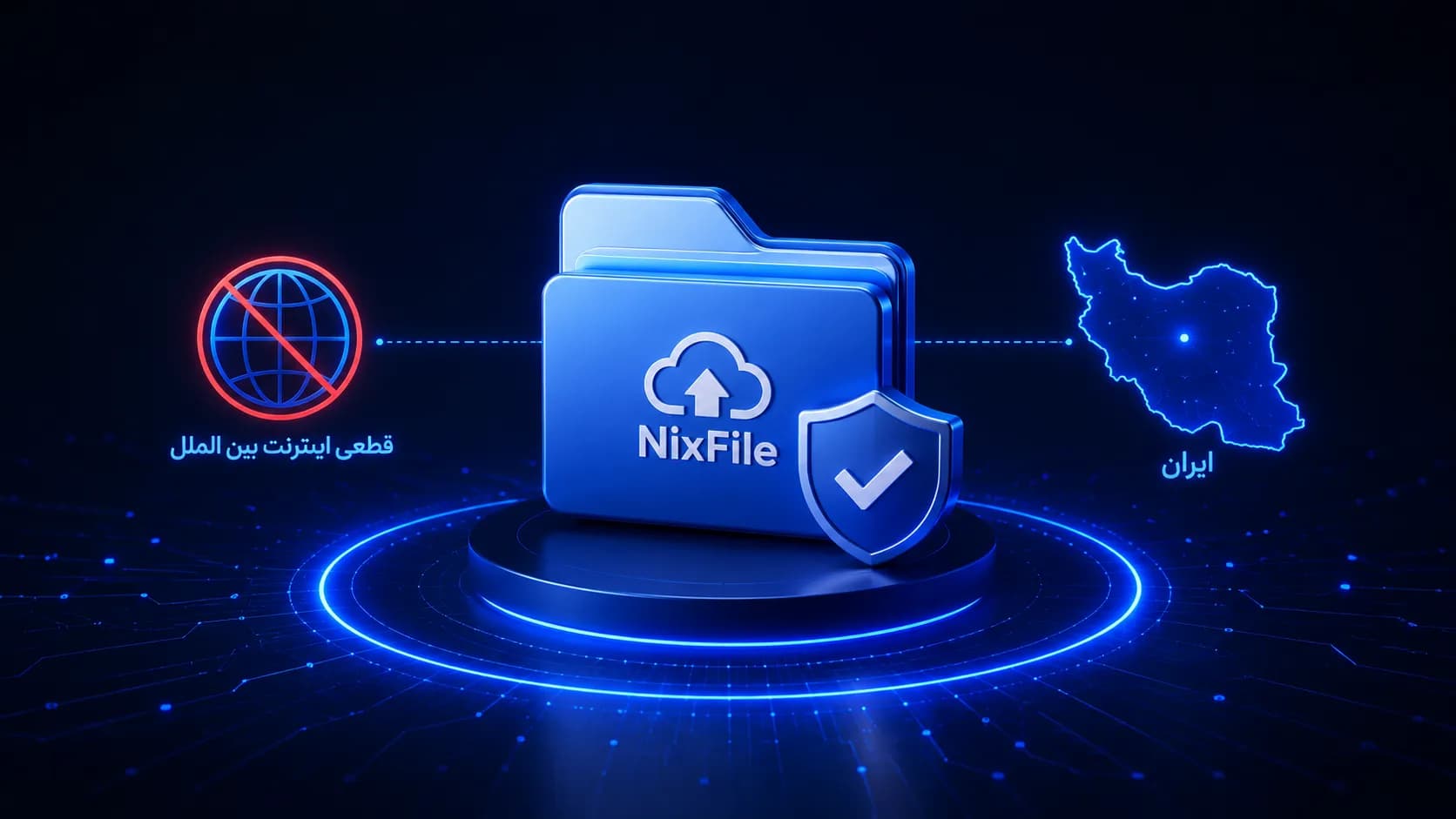
گزارش عملکرد نیکس فایل در زمان قطعی اینترنت بین الملل ایران
در روزهای ابتدایی اسفند ماه ۱۴۰۴، ایران با یکی از گسترده ترین و طولانی ترین قطعی های اینترنت بین الملل در تاریخ خود مواجه شد. حملات هوایی آمریکا و اسرائیل از صبح روز شنبه ۹ اسفند ۱۴۰۴، نه تنها امنیت هوایی کشور را تحت تأثیر قرار داد، بلکه زیرساخت های ارتباطی را نیز دچار اختلالی […]
آموزش رمزگذاری روی فایل PDF
در دنیای دیجیتال امروز، اسناد PDF به یکی از رایج ترین فرمت ها برای ذخیره و اشتراک گذاری اطلاعات مهم تبدیل شده اند. از مدارک مالی و قراردادهای کاری گرفته تا اطلاعات شخصی و اسناد محرمانه سازمانی، همگی اغلب در قالب فایل های PDF ذخیره و منتقل می شوند. اما این راحتی در استفاده، چالش […]